






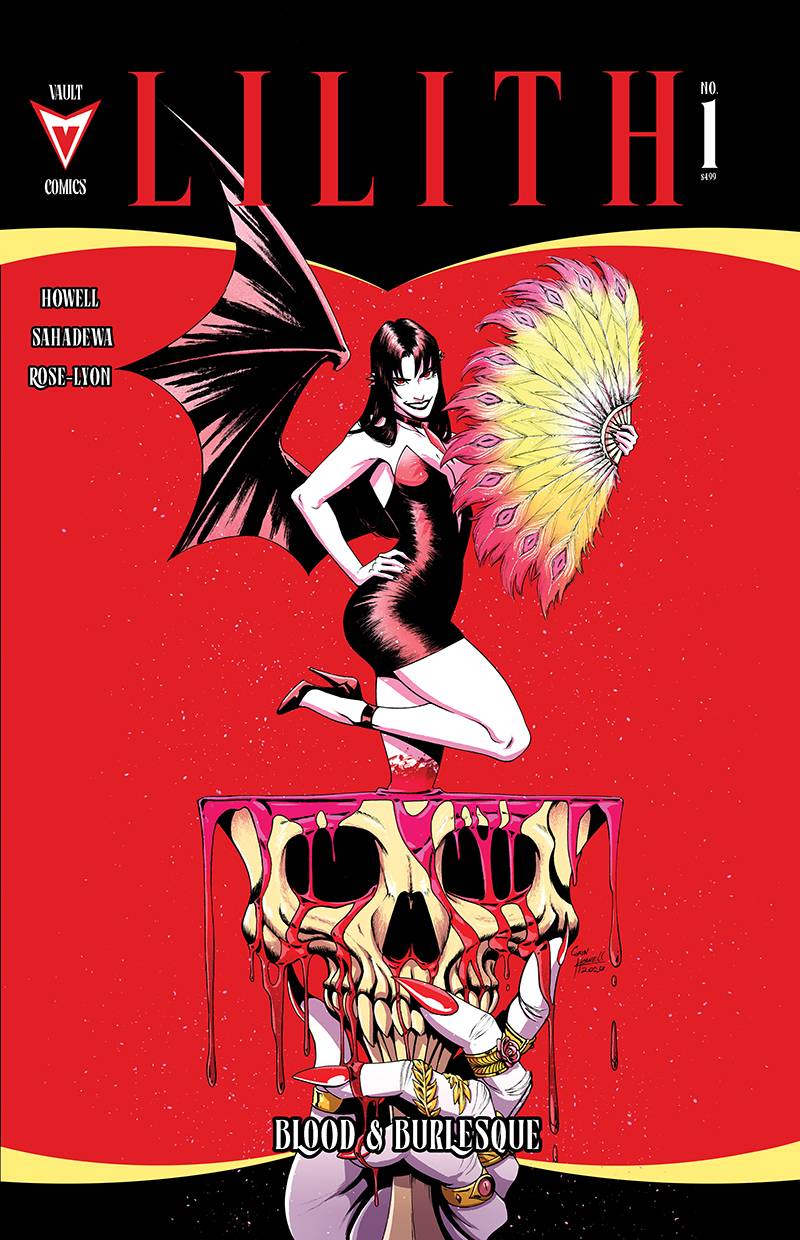








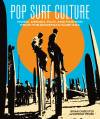





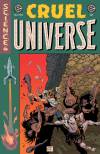



After a weekend of coding I’ve finally updated the site with what I think is one of my own most anticipated features! I spent a lot of time thinking about how to do this and today I am finally launching cover images in the detail popups sitewide! You can see covers for any book where I could FIND a cover by hitting details (with another nice new layout…guess that last one was short lived…oops lol). I am extremely happy to finally bring this over and I think it looks perfect. Now you can quickly compare DM covers and such without having to click over to Lunar/PRH at all! Also I think the layout here highlights things well and as always…it’s all responsive so it’ll work well on phones too!
Also I went ahead and moved the add/remove from watchlist button down next to the close button on the popup. You still have the mass add/remove button though at your disposal with the links at the top.
Also note, I’m not sure which features people have or have not noticed in that DETAILS popup but for any book you are looking at, hit the DETAILS button to the right and you will see a whole BUNCH of great info. Page counts, book contents, prices, reference links, just…all the things. Realistically you don’t really even need to go offsite anymore especially with the covers showing!
Let me know if you have any feedback. I’m just so psyched to finally get this out. I think this is one of the last major features I had in mind doing lately and it works quite well. Requires basically no intervention from me to keep going. Do feel free to use the contact us page though if you notice a cover is wrong. I don’t have a great way to UPDATE covers because there’s no trigger for that so I kinda need to rely on people just knowing it changed. Dom is usually pretty on top of that though so fear not!


